Hello Kitty Party Land Features Guide: Games & More
Explore this Hello Kitty Party Land features guide for minigames, co-op boards, Sanrio partners, outfits, creative tools, and online play with friends.
Jump to
What Can You Do in Hello Kitty Party Land?
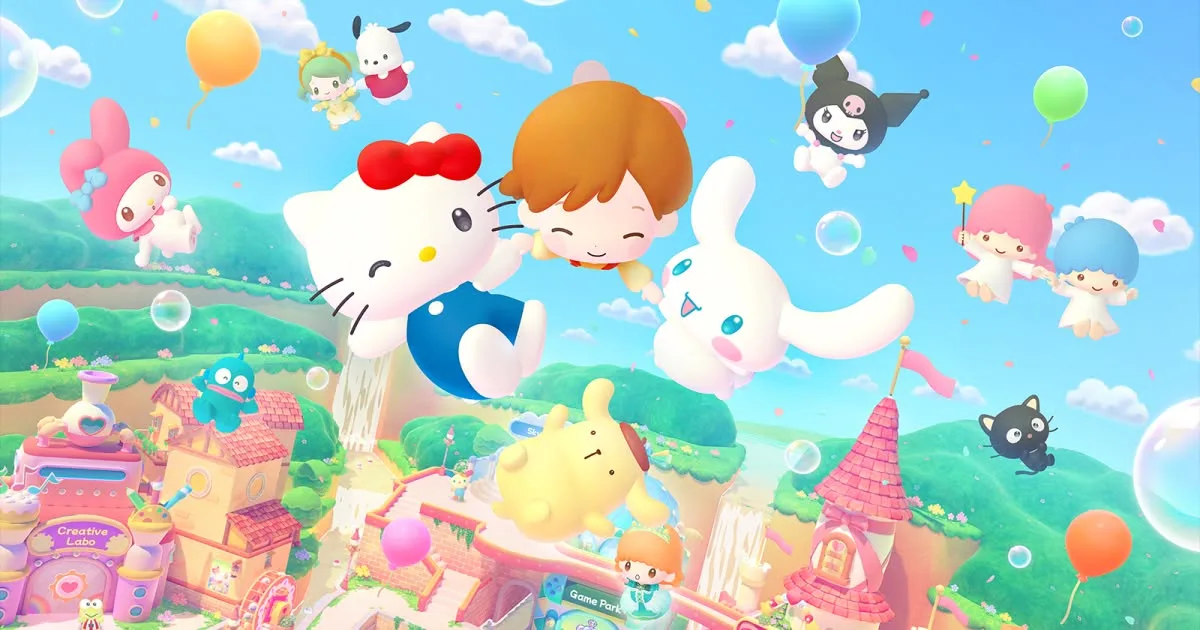
Party Land gives your group plenty to do between minigames, from collecting Sanrio stickers to making your own music. This Hello Kitty Party Land features guide explains the cooperative boards, character partnerships, customization, and creative activities so you can choose where to spend your time. You can explore solo, gather up to four players on one console, or play online with friends.
The main attractions include 45+ minigames, three cooperative boards, 16 playable Sanrio partners, and over 145 characters to meet. Hometown connects those activities with shops, Sky Farm, the Creative Labo, and a Photo Studio. More facilities become available as you progress.
The game launched on October 29, 2026, with separate Nintendo Switch and Nintendo Switch 2 versions. Choose your version carefully: the Switch release has no Switch 2 Edition upgrade pack, and save data cannot be shared between the two versions.
Official page: Hello Kitty Party Land (bandainamcoent.com)
Set Up Local or Online Multiplayer
Local play supports 1–4 players on the same console. Other players can join with a user profile or as guests, while controller 1 acts as the host.
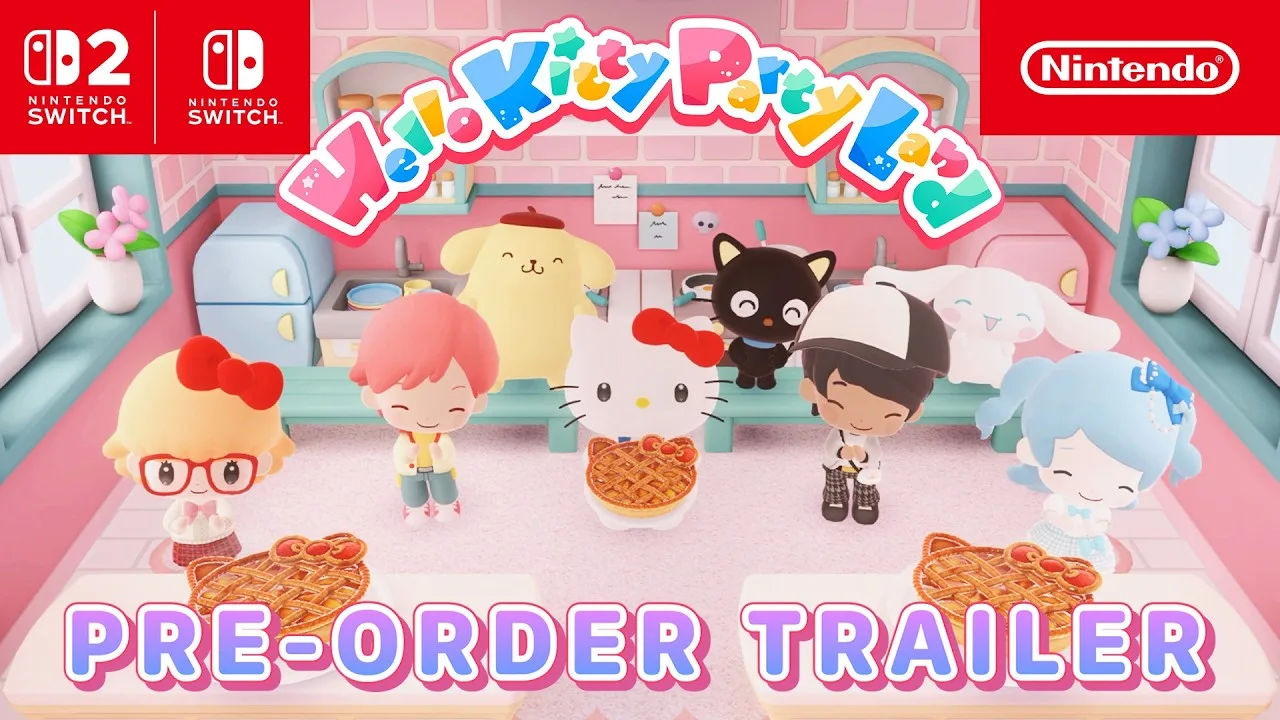
Online sessions support 2–4 players and require a Nintendo Account, internet access, and a paid Nintendo Switch Online membership. Online play is restricted to users registered as Friends.
To start an online session:
- Have one player select Online, then Create Room.
- Choose the room settings and optionally set a four-digit password.
- Have the other players select Search for Room and choose the host’s room.
- Start once everyone has joined.
The host handles shared actions, including menu selections, camera use, opening the Sticker Book, entering buildings, starting activities, and pausing. Let the host know before you want to change locations or begin another mode.
Before entering Party Land, you also choose a minigame difficulty, customize your appearance, and select a partner. Difficulty can be selected again whenever you start a game.
Work Together Across Three Board Games
Visit the center receptionist at Game Park to start a board game. Each board asks your group to gather and deliver resources before the remaining days run out.
| Board | Objective | Delivery requirements on Medium |
|---|---|---|
| Blooming Flower Festival | Gather flowers for Marroncream’s festival | Each player gathers 150 flowers; one Delivery Space |
| Tropical Twilight | Collect droplets to help Tiran and friends grow fruit | Four Delivery Spaces, each requiring 150 droplets |
| Sparkling Neon Night | Collect sparks to power Goropikadon’s performance | Three Delivery Spaces, each requiring 200 sparks |
Quotas and time limits change with difficulty. On Blooming Flower Festival, Marroncream also collects flowers herself on some days.
During your turn, stop the roulette and move the resulting number of spaces. A day ends after everyone has taken a turn. Landing on a Minigame Space brings the whole group into a cooperative challenge, where performance earns the board’s resource.
Other spaces offer different choices:
- Shop Spaces: Work through a Petit Game for resources, or exchange resources for items.
- Challenge Spaces: Complete successive Petit Game challenges for more resources, with a penalty if you fail.
- Item Spaces: Pick up helpful items.
- Board-specific spaces: Gain flowers, move around the mountain, receive another roulette spin, or gamble sparks on a Petit Game.
Check the map before choosing a branch, especially when carrying resources that need delivering. Some items can help another player during their turn, so check their effects before using them.
Petit Games Keep You Busy Between Turns
Petit Games are solo activities played on the Game Pad at the top of the screen. Other players continue taking turns while you play.
Finish before your next turn arrives: an unfinished Petit Game causes that turn to be skipped. Weigh another challenge against the time you need to move toward a delivery point.
Completing the delivery quota ends the board successfully. Running out of days also ends the game, but you still receive coins based on your results. The final minigame offers an additional Last Game Bonus for strong performance.
Choose Sanrio Partners and Fill Your Sticker Book
You can team up with one of 16 playable Sanrio characters, using your avatar or controlling your teammate during activities. To change partners later, visit the Partner Room inside the Photo Studio.
Playing and chatting with characters raises their friendship level, shown by stars in the Partner menu. Higher friendship can reward special clothing. Playing Blooming Flower Festival also makes Badtz-Maru available as a partner.
Stickers provide another reason to meet characters and revisit games. Talk to friends and complete minigames to add stickers to your Sticker Book.
At Game Park’s Minigame Corner, watch for these markers:
- Present icons: Highlight opportunities to meet someone new.
- Crown icons: Track Easy, Medium, and Super Hard difficulty.
- Blue present icons: Point toward special sticker rewards tied to clearing every difficulty.
Minigame difficulty can change with your performance. Revisit games with incomplete crowns when you want to pursue their remaining rewards.
If you own the Character T-Shirt early purchase bonus, you can apply collected stickers to it through the Sticker Book. Redeem its download code in Nintendo eShop before using the shirt.
The October 29 launch update also adds jinbei-style costumes for My Melody, Hangyodon, and Chococat. Connect your system to the internet and update the game to receive them automatically.
Customize Your Avatar and Build Outfit Sets
Character creation lets you adjust eyes, hair, eyebrows, and skin tone. Later, visit the Make-Up Salon on the Shopping Mall’s third floor to change your appearance for free.
Clothing and accessories cost coins earned through board games and other modes. While shopping, you control your Sanrio partner and can preview clothing before purchasing it. Owned merchandise displays a check mark, helping you avoid buying something you already have.
Use the Game Pad’s Clothing menu to change outfits. Choose the clothing style first, then its color. Uniforms occupy the outfit slot without allowing separate tops or bottoms alongside them.
You can save up to eight favorite clothing sets for quick changes. Register an outfit after putting it together, then select it from Favorites whenever you want to wear it again.
Keep appearance changes separate from clothing purchases when planning your spending: the salon’s makeover is free, while shop merchandise uses coins.
Explore Hometown, Sky Farm, and the Waterwheel
Hometown gives you room to walk around with your partner, talk to characters, enter facilities, and start activities. Its attractions extend beyond Game Park and the Shopping Mall.
Sky Farm offers fruit and vegetable growing, fishing, and Petit Games in a garden above the clouds. Explore farther into the area to find its cave.
The Game Pad’s Inventory displays your Watering Can, Shovel, Fishing Rod, Fruit Basket, and Bug Net. Each tool has an ability-level gauge, letting you track its development.
Near the Creative Labo, the Waterwheel exchanges Waterwheel Tickets for prizes, including coins and special hairstyles. Tickets become available after time passes, and helping characters with hide-and-seek requests also rewards them.
Use the drone camera when searching for a missing character during hide-and-seek. Its movable viewpoint helps you inspect the surrounding area.
Create Music, Posters, and Animations
The Creative Labo contains Melody Cake, Poster Studio, and the Labo Puzzle. The puzzle offers coins, stickers, or tools as rewards, while the other two activities let your group make something together.
Compose Songs With Melody Cake
Melody Cake turns decorations into sounds. Decorations on top control percussion, while those on the sides create the melody.
You can adjust instruments and tempo, switch between 4/4 and 3/4 time, and decorate while playback loops. Listen as you edit to hear how each change affects the tune.
Your creations fit into four Cake Catalogs holding up to 16 cakes each. Cakes within a catalog can play in sequence, allowing you to combine them into a longer piece. Sample catalogs give you existing arrangements to try or copy.
Build Layered Pictures in Poster Studio
Poster Studio uses stamps as individual layers. You can move, resize, rotate, recolor, copy, and reorder them, including placing new layers between existing ones.
There are four Sketchbooks, each holding up to 16 pictures. Animation playback displays a Sketchbook’s pages in sequence.
Copy a page before making small changes on the next one to build a continuous animation. You can also pair animation playback with music created in Melody Cake.
Take Photos With Your Partner and Friends
Photography is available throughout Party Land, and pictures are saved to your system storage.
Choose among three camera types:
- Tripod Camera: Frame a front-facing group shot and start a countdown.
- Selfie Stick: Adjust the angle for a closer portrait.
- Drone Camera: Move the camera around for different positions and viewpoints.
During the countdown, you can move, look toward the camera, jump, or use an emote. Set your framing first, then position your character before the timer reaches zero.
The Photo Studio adds backdrops based on minigames you have played. Play more minigames to expand your backdrop choices, then return with your partner or friends for another group picture.
Continue with
 Hello Kitty Party Land Local Multiplayer Setup GuideHello Kitty Party Land local multiplayer supports up to four players on one console. Learn how to join, choose controllers, and play cooperative minigames.
More in Features
Hello Kitty Party Land Boards: All 3 Maps Explained
Explore Hello Kitty Party Land boards, learn each map's delivery goals and special spaces, and avoid skipped turns while helping your Sanrio friends win.
Hello Kitty Party Land Mini Games: How to Play and Win
Explore Hello Kitty Party Land mini games, learn how Petit Games work, find the Minigame Corner, and team up for board game rewards with your friends.
Continue exploring
Join the community
Official channels for news, updates and player help: