Hello Kitty Party Land Local Multiplayer Setup Guide
Hello Kitty Party Land local multiplayer supports up to four players on one console. Learn how to join, choose controllers, and play cooperative minigames.
Jump to
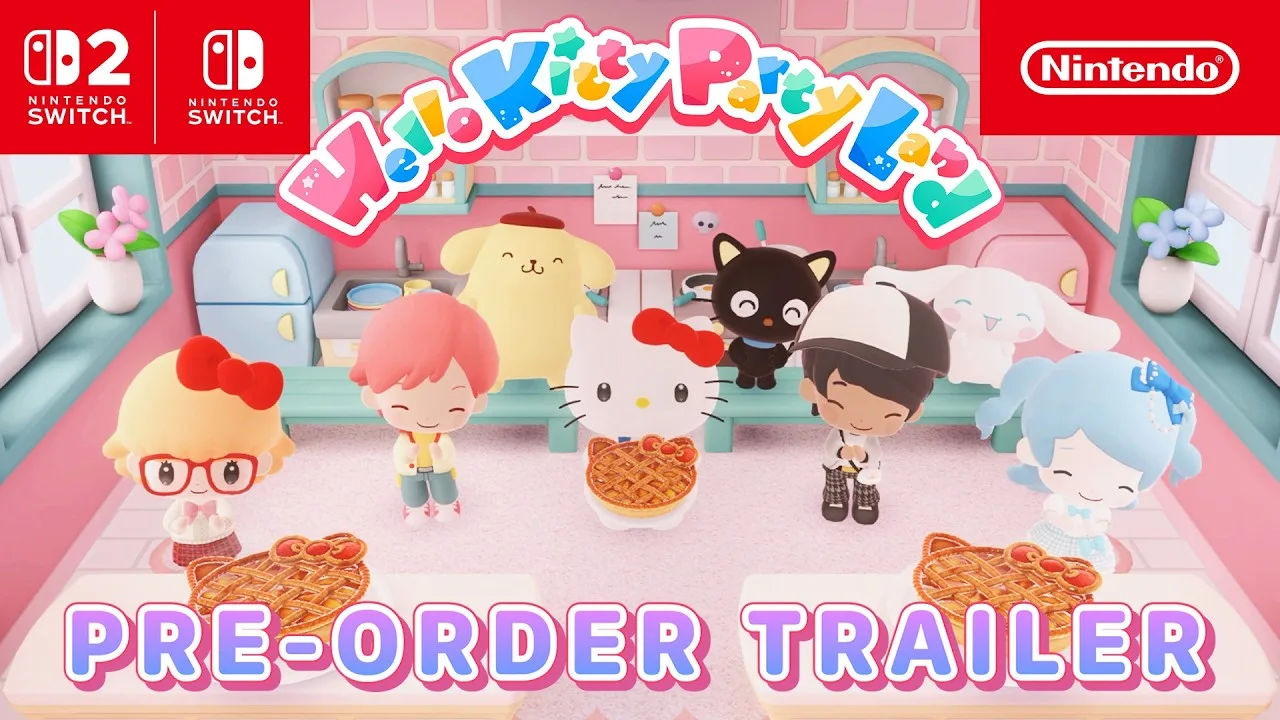
Can You Play Together on One Console?
Bring everyone into the same party: Hello Kitty Party Land local multiplayer supports up to four players on one Nintendo Switch or Nintendo Switch 2. Additional players can use their own user profiles or join as guests. Cooperative minigames, shared board game objectives, and creative activities give your group several ways to spend a session together.
Choose 1–4 Player Game from the main menu for same-console play. The separate Online option supports two to four players over the internet, requires a paid Nintendo Switch Online membership, and works with registered Friends.
For a couch session, start with the local player-count selection.
Official page: Hello Kitty Party Land (bandainamcoent.com)
How to Start a Local Multiplayer Game
Set up your group from the main menu:
- Choose the player count. Use one main controller to select a two-, three-, or four-player game.
- Have the other players join. Each additional player can select a user profile or enter as a guest. Players using profiles appear under their profile names.
- Choose the minigame difficulty. The available range runs from Easy to Super Hard, and you can select it again whenever you start a game.
- Customize your character and pick a partner. Set your character’s eyes, hair, eyebrows, and skin tone, then choose a Sanrio partner before entering Party Land.
You can change your appearance later at the Make-Up Salon on the Shopping Mall’s third floor. To switch partners, visit the Partner Room in the Photo Studio.
Start on Easy when introducing someone to the controls, then select a higher difficulty on a later session.
Controllers and the Host’s Responsibilities
The Nintendo Switch controls include layouts for a horizontal Joy-Con, two Joy-Cons, and a Pro Controller.
With a horizontal Joy-Con, the default inputs include:
- Stick: Move your character or cursor.
- Right Button: Interact and confirm selections.
- Bottom Button: Jump or return to the previous menu.
- Top Button: Open the Game Pad.
- Left Button: Open the Sticker Book or map.
With two Joy-Cons or a Pro Controller, those button actions use A, B, X, and Y, respectively. Controller schemes can be configured in System Settings.
Controller 1 Runs the Session
In an offline game, controller 1 is the host. That player handles menu selections, camera use, opening the Sticker Book, and entering or leaving buildings. The host also starts board games, minigames, Melody Cake, and Poster Studio activities, and handles pausing.
Give controller 1 to whoever will guide the group through menus. During a board game, hold + or − to open the pause menu, where you can review the controls and rules or end the game.
Playing Minigames and Board Games Together
The game includes 45+ minigames. At the Game Park, visit the rightmost counter to enter the Minigame Corner, where you can freely choose minigames to play.
These minigames ask everyone to work together. Read the rules before starting and select a partner for the activity.
Three Boards With Different Delivery Goals
Talk to the receptionist in the center of the Game Park to start a board game. Each board gives your group a different collection objective.
The following targets apply to Medium difficulty:
| Board | What you collect | Delivery requirement |
|---|---|---|
| Blooming Flower Festival | Flowers | Each player gathers 150 flowers; there is one Delivery Space |
| Tropical Twilight | Droplets | Four Delivery Spaces require 150 droplets each |
| Sparkling Neon Night | Sparks | Three Delivery Spaces require 200 sparks each |
The delivery requirements and time limit change with difficulty.
Players take turns spinning the roulette and moving around the board. When someone lands on a Minigame Space, everyone joins the resulting minigame to earn flowers, droplets, or sparks. Deliver those resources at the designated spaces to complete the objective.
Check the map during your turn before choosing a route at a split. Some items can help another player during their turn, so check your inventory before a teammate makes an important move.
Watch Your Petit Game Timing
Petit Games are solo activities shown on the Game Pad. During board games, other players continue taking turns while someone plays one.
Finish before your next turn arrives: if your Petit Game is still running, that turn gets skipped. At Challenge Spaces, continuing offers more resources, but failure penalizes what you currently hold.
Shared Activities Beyond the Board
Your group can also explore Hometown alongside Sanrio partners, shop for clothing, and take photos. Additional facilities become usable as you progress.
At the Creative Labo, try these collaborative activities:
- Melody Cake: Place decorations that produce percussion and melody, then work together on a tune. Creations can be saved in the Cake Catalog.
- Poster Studio: Build pictures together by arranging colored stamps in layers. Pictures can be saved in Sketchbooks, whose pages can also play sequentially as an animation.
For a group picture, head to the Photo Studio. Minigames you have played become available as backdrops, giving your party more settings to choose from as you play.
Continue with
 Hello Kitty Party Land Mini Games: How to Play and WinExplore Hello Kitty Party Land mini games, learn how Petit Games work, find the Minigame Corner, and team up for board game rewards with your friends.
More in Features
See all FeaturesContinue exploring
Hello Kitty Party Land Stickers: How to Collect Them
Collect Hello Kitty Party Land stickers by meeting characters and playing minigames. See Sticker Book controls, special rewards, and T-shirt customization.
Hello Kitty Party Land Beginner Guide: Start Strong
Use this Hello Kitty Party Land beginner guide to learn board game rules, earn coins, collect stickers, choose a partner, and set up local or online play.
Join the community
Official channels for news, updates and player help: